Google Expands Merchant Center AI Performance Insights to Canada
Published · 4 min read
Reviewed by Alex Makarov, CEO & Founder, IN-STORE
Merchant Center AI performance insights are available in Canada. Here is a practical monthly checklist for screenshots and feed hygiene.
A Practical Monthly Routine For Using Merchant Center AI Performance Insights In Canada
When product visibility or sales soften, many teams react by changing prices, pausing campaigns, or rewriting product copy in a rush. A steadier approach is to build a monthly reporting habit that shows what is actually changing inside your product data and reporting.
Google has said that Merchant Center AI performance insights are available in Canada. If your team sells online and relies on Shopping surfaces, this is a prompt to tighten how you check performance, what you capture for trend tracking, and which feed fields you treat as “must be correct” every month.
Below is a practical, owner friendly workflow: how to confirm you can access the report, what to screenshot monthly so you can compare periods later, and which product feed fields usually matter most for discovery and conversions.
How To Confirm The Report Is Available
Start In Google Merchant Center
Begin in Google Merchant Center Canada and look for the reporting area that contains Merchant Center AI performance insights. The goal of this first check is simple: confirm the report exists in your account and note where it lives, so your monthly routine stays consistent even if multiple people touch the account.
Lock In One “Source Of Truth” View
Once you find the insights view, keep your monthly screenshots taken from the same place in the interface. Consistency matters more than depth here. If you switch views month to month, you will end up debating whether performance changed or whether the reporting context changed.
What To Screenshot Each Month (So You Can Track Trends)
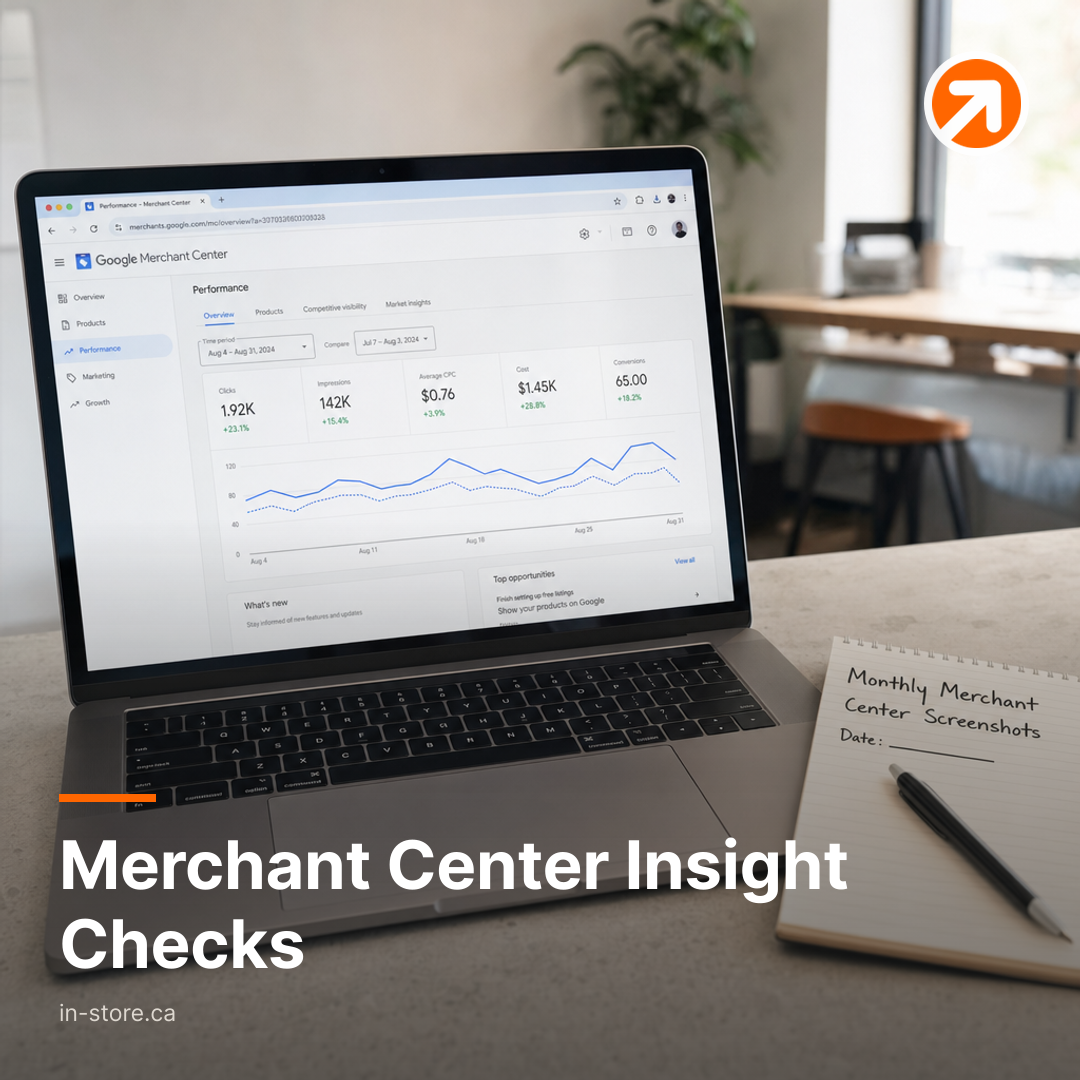
The output you want is a small package of visuals your team can compare month over month without pulling a custom report each time. Keep it lightweight so it actually happens.
- The Merchant Center AI performance insights overview view: one screenshot that captures the top level insight summary for the month.
- A view tied to Shopping surfaces reporting: a screenshot that clearly shows the performance context you are using for shopping discovery and results.
- A product or item level view you use for troubleshooting: one screenshot that helps you identify whether performance shifts came from specific products rather than the whole catalog.
- Your key changes log for the month: a simple note you keep alongside the screenshots describing what you changed in the feed or storefront while the period was running.
This package becomes valuable after a few cycles because it gives you evidence. When someone says “we fixed the feed” or “Google stopped showing us,” you can point to what the reporting views actually showed across months.
Feed Fields That Usually Drive Discovery And Conversions
Why Feed Field Hygiene Matters More Than One Off Tweaks
Merchant Center performance often follows the quality and consistency of your product feed. Small businesses commonly focus on campaign switches first. A better sequence is to treat feed field completeness as a monthly operational task, because it supports both organic style visibility across Shopping surfaces and paid shopping performance.
What To Review As A Monthly Habit
For a practical monthly review, focus on the feed fields that most directly affect how products are understood and shown. The exact fields you prioritize will depend on your catalog, but the operating principle stays the same: keep your core product information accurate, consistent, and formatted the same way across items.
A useful internal rule is to separate feed work into two buckets. First are “identity” fields, the ones that tell Google what the product is. Second are “offer” fields, the ones that describe what the customer is actually being offered. When either bucket drifts, discovery and conversion intent can drift with it.
A Non Obvious Operational Trade Off To Watch
Insights can create a temptation to chase what moved last week instead of building a repeatable system. The trade off for SMBs is time. If you treat Merchant Center AI performance insights as a weekly fire drill, you will create a cycle of scattered edits that are hard to attribute to results. If you treat the report as a monthly checkpoint paired with a disciplined change log, you can make fewer changes, track them properly, and still move faster over a quarter because rework drops.
Where IN STORE Fits For Lean Teams
If your Merchant Center reporting is telling you something is off but nobody owns the monthly routine, the fix is usually a connected system rather than a single task. That means aligning product and content messaging, local SEO where relevant, and lead capture so the traffic you earn can convert into inquiries and sales.
IN STORE typically supports this through a monthly marketing partner approach that ties together human guided automation, AI assisted content marketing, lead generation workflows, and optional Google Ads management, with progress visible through a client portal marketing service.
Build a monthly cadence around Merchant Center AI performance insights: confirm the report exists, capture a consistent set of screenshots, and pair every feed or site change with a simple log so you can connect actions to outcomes.
If you want a managed system for steady demand generation across content, visibility, and lead capture, explore IN STORE’s subscription growth services.
Source: Google
More articles from IN-STORE · This article as Markdown · RSS