

The fastest route: a ticket
If you can sign in, a ticket is the quickest way to reach our team. It arrives sorted by type and already tied to your account, so you do not need to explain who you are.
- In your cabinet, open Support & Feedback from the menu on the left, or press "Get Support" at the bottom of any cabinet page.
- Choose the type: "Bug - something is broken", "Idea / suggestion", "Improvement to something existing" or "Question".
- Give it a short title and describe what happened or what you need. If it is about a specific page or button, say where.
- Attach screenshots or files if they help (up to 25 MB each), or paste a screenshot straight into the form.
- Press "Send ticket".
Following your ticket
Your tickets are listed on the right of the Support & Feedback page, under "Your tickets". Each one shows its status, which changes as our team works on it: Open, In progress, Done, Rejected or Archived.
Talk or chat with our assistant
The bar in the bottom-right corner of every page is our AI assistant. Press "START" to talk to it, or the speech-bubble button next to it to type instead. The flag button switches the language.
Inside your cabinet the assistant knows your account, so it can answer questions about it directly. If you need a person, ask it to put you through to our team.

Call or email us
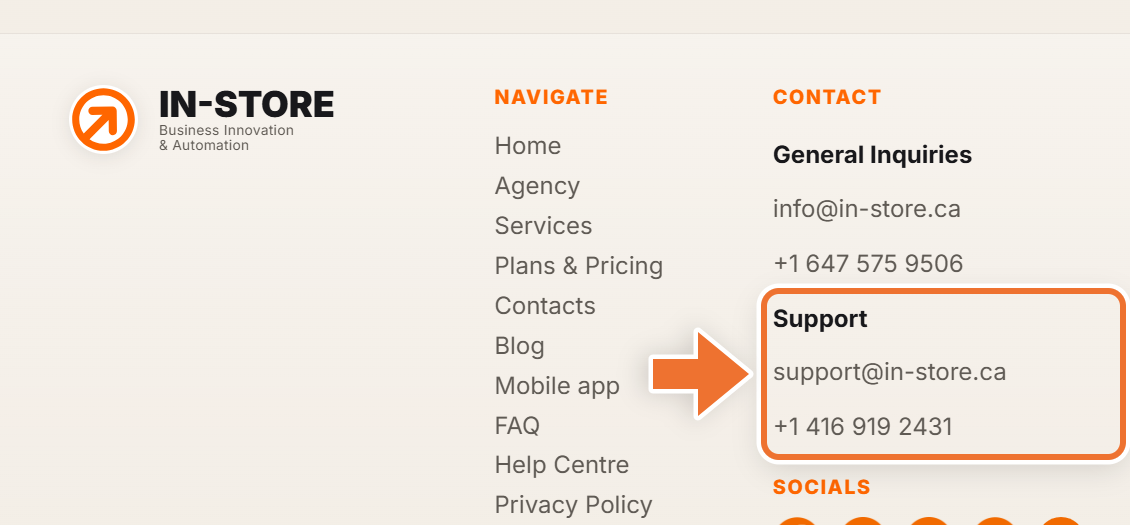
Our support contacts are at the bottom of every page of our website, under "Contact":
- Support: support@in-store.ca or +1 416 919 2431
- General inquiries: info@in-store.ca or +1 647 575 9506
Save the number you call from in your cabinet under Settings, "Phone for calls". When you call us from that number, we know it is you, so you can skip explaining who you are.
Which one to choose
- Something is broken or you have a question about your cabinet: send a ticket, so it reaches the right person with all the details.
- You need a quick answer right now: ask the assistant.
- You cannot sign in at all: call or email Support.